Use the investor marketplace and manage listings
Browse seller listings, post an interest you can offer and manage availability.
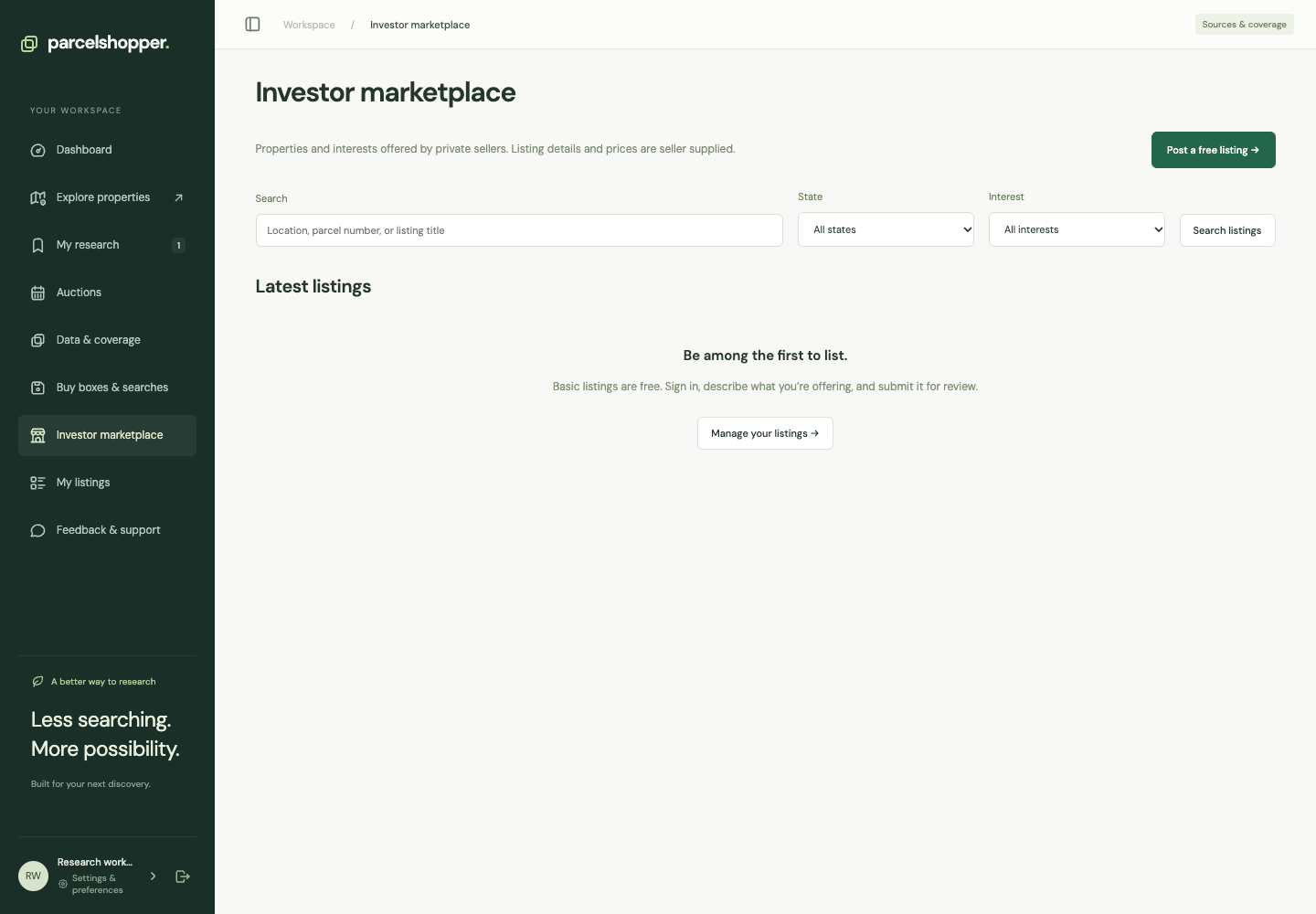
Marketplace listings come from private sellers, who supply their descriptions and asking prices. They are separate from the official-source catalog. Basic posting is free with an account and does not require a research subscription.
Captured November 8, 2026. Available listings will vary.
Browse listings
Open Investor marketplace. Search by location, parcel number or title, and filter by state and interest type. Read what the seller is offering and their stated authority to offer it.
Sponsored positions are paid placements. They do not verify ownership, title or value; investigate these before entering a transaction or sharing sensitive information.
Create a listing
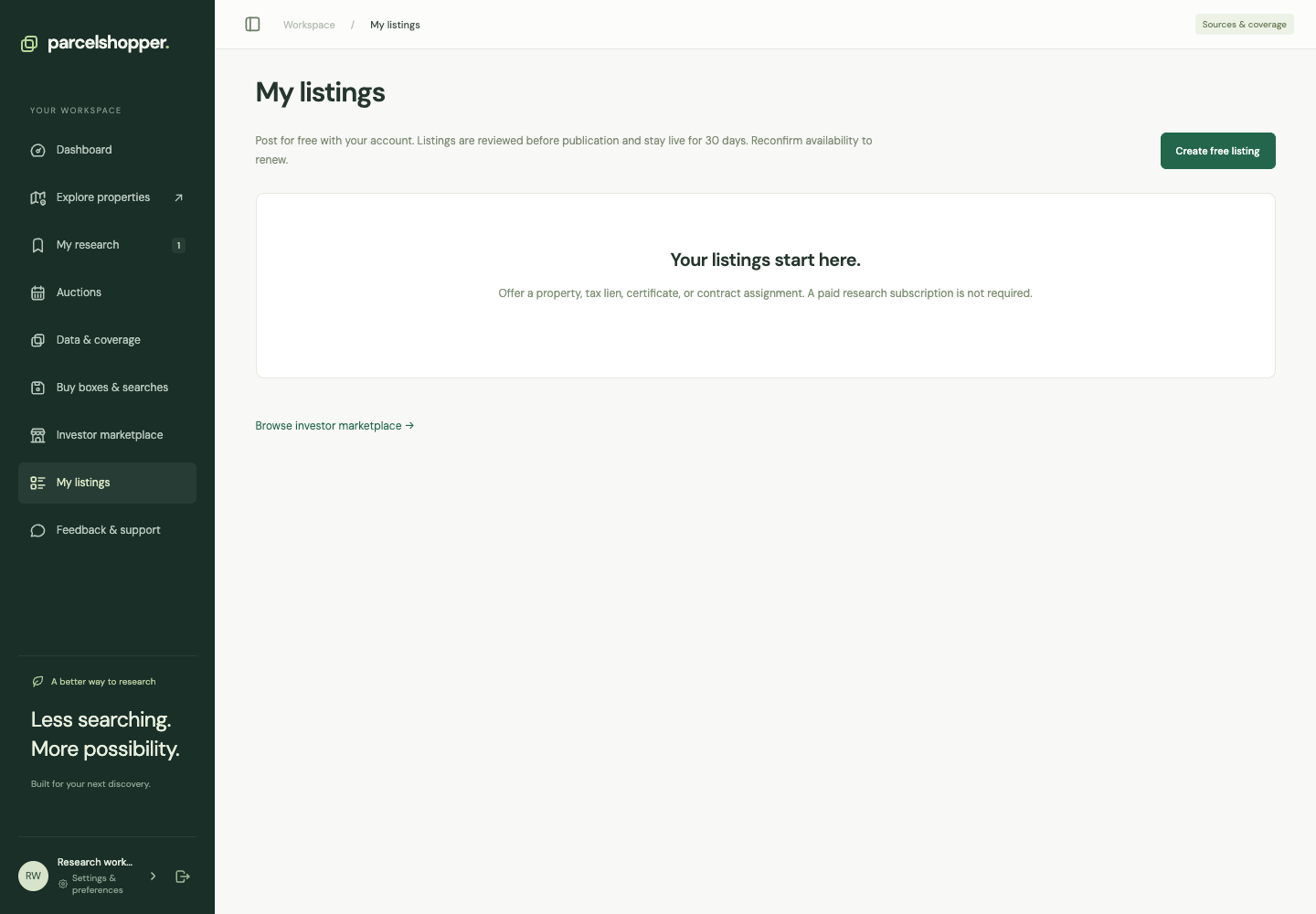
- Open My listings and choose Create free listing.
- Describe the property, certificate, lien or contract assignment you are authorized to offer.
- Complete location, parcel, interest, price and seller-authority fields.
- Save the text before adding supported photos.
- Review the terms and submit for review.
A lien certificate is not outright ownership of the real estate. Select the correct interest and seller role, and retain evidence of your authority.
Keep it current
My listings shows review status and management links. After approval, listings have a publication period and availability-renewal control. Mark one sold or withdraw it when it is no longer offered. Buyer inquiries appear in listing management.
Promotion is optional. If offered for an approved live listing, read the displayed product and payment terms before buying it. Promotion does not replace listing review.
See tax liens and tax deeds for the interest types, or Feedback & support for account and listing issues.





Discussion